
How to Control AI Development Costs per Client
Once AI agents start doing real development work, they generate a cost with an unusual property: it is created by individual tickets, but it arrives as one number at the end of the month, on a card belonging to the company rather than to any client. That mismatch is what makes AI spend feel uncontrollable. Fix the attribution and the control follows.
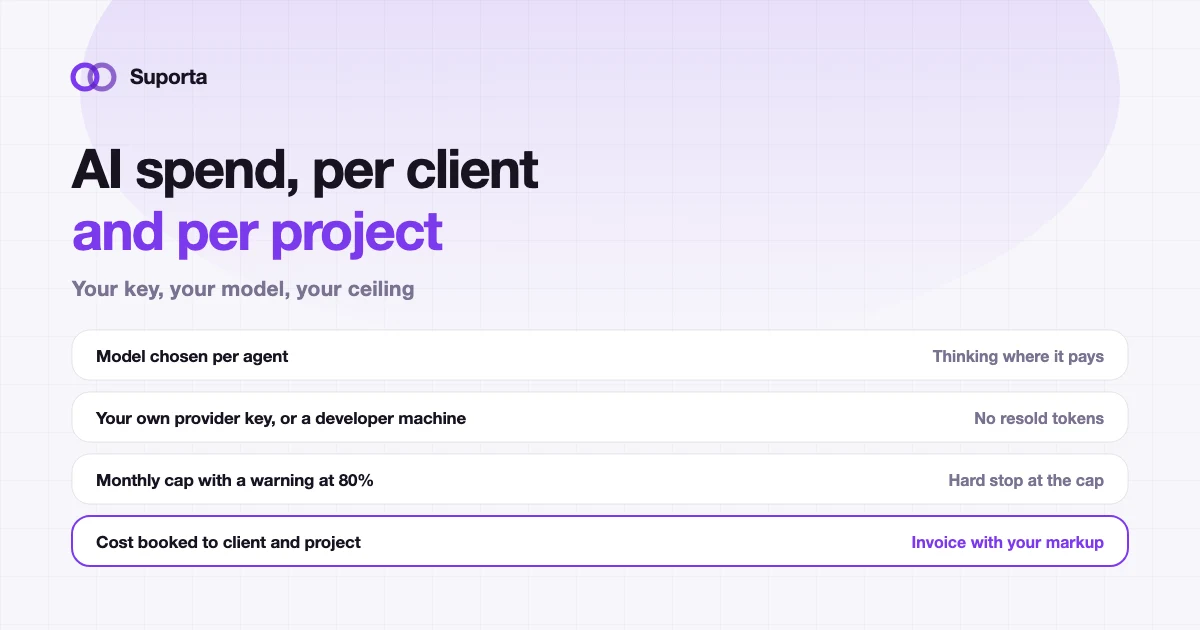
Four questions to answer before you scale up
Agencies that run agents comfortably have concrete answers to all four. Agencies that feel nervous about it usually cannot answer the last two.
- Whose bill is it? Are you paying a vendor a marked-up rate for inference, or paying your provider directly?
- Which model runs where? One model for everything is the most expensive possible configuration.
- What is the ceiling? A spend limit that actually stops work, not a dashboard you check afterwards.
- Who caused it? Which client, which project, which ticket. Without this, AI cost is overhead, and overhead comes out of your margin.
Bring your own key: pay the provider, not a reseller
The default arrangement in most AI-enabled tools is that the vendor buys inference wholesale and sells it to you with a margin. It is convenient, and it means a third party sits between you and a cost that scales with your delivery volume.
Connecting your own provider account changes the shape of that relationship: the tool orchestrates the work, your provider bills you at their published rates, and nobody adds a margin in between. It also means you can move models when pricing changes, without waiting for a vendor to pass a reduction on. Suporta works this way: you choose the provider and the model per agent, on your own key.
The cheaper option: run the work on a developer machine
There is a second execution model that most teams overlook. Your developers may already pay for a coding assistant subscription. If queued tickets can be picked up by a developer's own machine and worked on with that subscription, the marginal token cost of an agent run is zero, because you are using capacity you have already bought.
This also keeps the work inside your existing development environment: the agent runs where your developer works and pushes with your own credentials, so the code stays in the Git workflow you already use. Suporta calls this local mode and it is configured per organisation with per-project exceptions — the mechanics are on the developer page.
A model per agent, not a model per company
Stages in a pipeline have genuinely different requirements, and paying premium rates for the cheap ones is where most avoidable spend goes.
| Agent | What it needs | Sensible choice |
|---|---|---|
| Planner | Understanding of an unfamiliar codebase, good judgement | Your strongest model. It is the cheapest place to prevent expensive mistakes. |
| Coder | Consistency and instruction-following across many files | A capable general model, balanced for cost |
| Reviewer | Reading a diff, interpreting test output | Mid-range. Your own tests do the heavy lifting first. |
| Doc review | Comparing prose to a diff | The cheapest model that can read. Leave it permanently on. |
One structural saving is worth more than any model choice: run your own test suite before the review model. A build that fails linting or unit tests costs nothing to reject and should never reach a model at all.
A cap that stops work, not a report that describes it
Spend alerts alone are how you find out about a problem after it has happened. Three controls together give you actual predictability:
- A monthly ceiling in your own currency, with a warning at around 80 percent and a hard stop at the cap. The hard stop is the part that matters.
- A switch per agent. If the optional test agent is the expensive one this month, turn that stage off without abandoning the pipeline.
- Selective auto-run. Enable automatic agent runs only on the projects where you want them, and only for genuinely new tickets, so nobody accidentally points a fleet of agents at a two-year backlog.
Note that work running on a developer machine does not consume the budget, because it costs nothing in tokens. That asymmetry is useful: it makes the cheap path the obvious one.
Attribution: the part that turns cost into a billable line
This is where AI spend stops being a scary overhead. If token cost is measured per phase and booked to the ticket, it rolls up the same way hours do: ticket to project to client. At that point you can answer the question that matters — what did this client cost us this month, in people and in machines — and you can put a markup on it if your contracts allow.
The reporting discipline is the same as for billable hours: the cost is recorded where the work happened, so nobody has to reconstruct it later. A ticket that took two developer hours and a small amount of model spend should show you both numbers side by side.
How to bill it, and how to talk about it
There are three defensible positions, and the only indefensible one is passing through a cost the client cannot see and did not agree to.
| Model | How it works | Fits when |
|---|---|---|
| Absorbed into the rate | AI is a cost of doing business, the hourly rate is unchanged | Spend is small relative to hours, and you want zero conversation about it |
| Passed through with markup | Cost per client appears as a line, with your margin applied | Spend is material and your contract allows cost-plus items |
| Priced into the estimate | Tickets delivered with agent help are estimated in points as usual | Fixed-price work, where the client buys an outcome |
Whichever you pick, be able to show the number. A client who asks "what did the AI cost on our project last month" and gets a precise answer is reassured. One who gets "we do not break that out" draws their own conclusions.
AI cost control checklist
- check_circleYou pay your provider directly, or run on a developer subscription, rather than buying resold inference
- check_circleEach agent has a model chosen for its job, not one model for everything
- check_circleYour own tests and linting run before any review model is called
- check_circleA monthly ceiling exists, with a warning before it and a hard stop at it
- check_circleAuto-run is enabled per project, and only for new tickets
- check_circleCost is booked per phase and rolls up to ticket, project and client
- check_circleLocal runs report usage honestly, including when it is an estimate
- check_circleYou have decided, in writing, how AI cost is reflected in what you charge
Related articles
All articles arrow_forward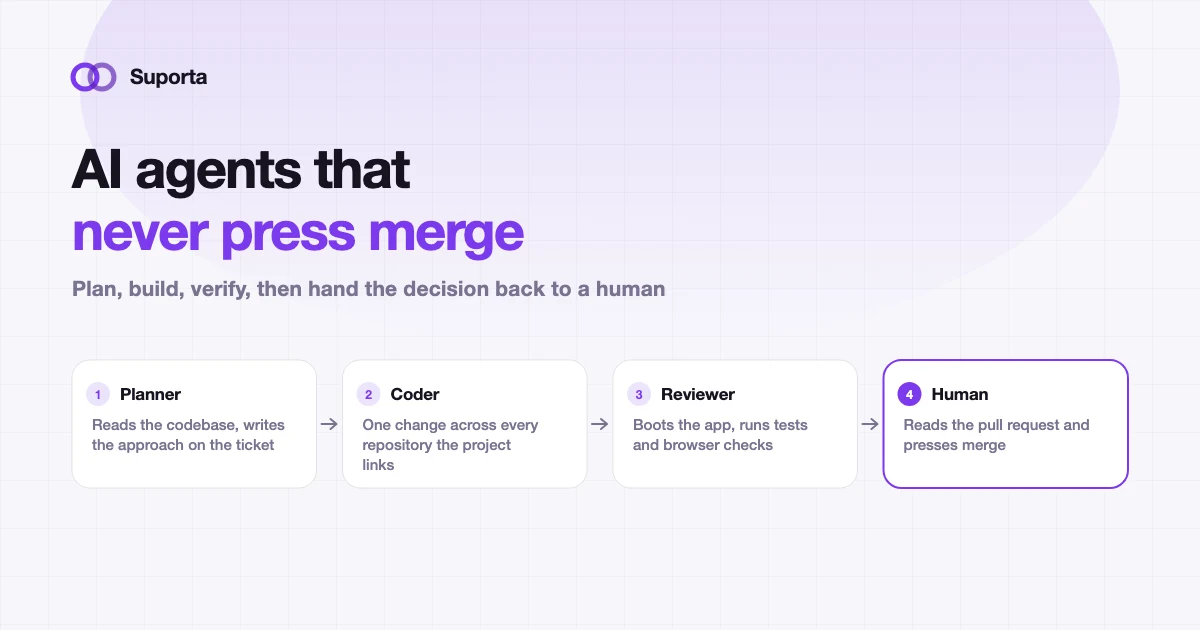
AI Coding Agents for Software Teams: Where Humans Still Matter
The useful question is not whether an agent can write the change. It is who is accountable when it is wrong, and what the workflow does about that.
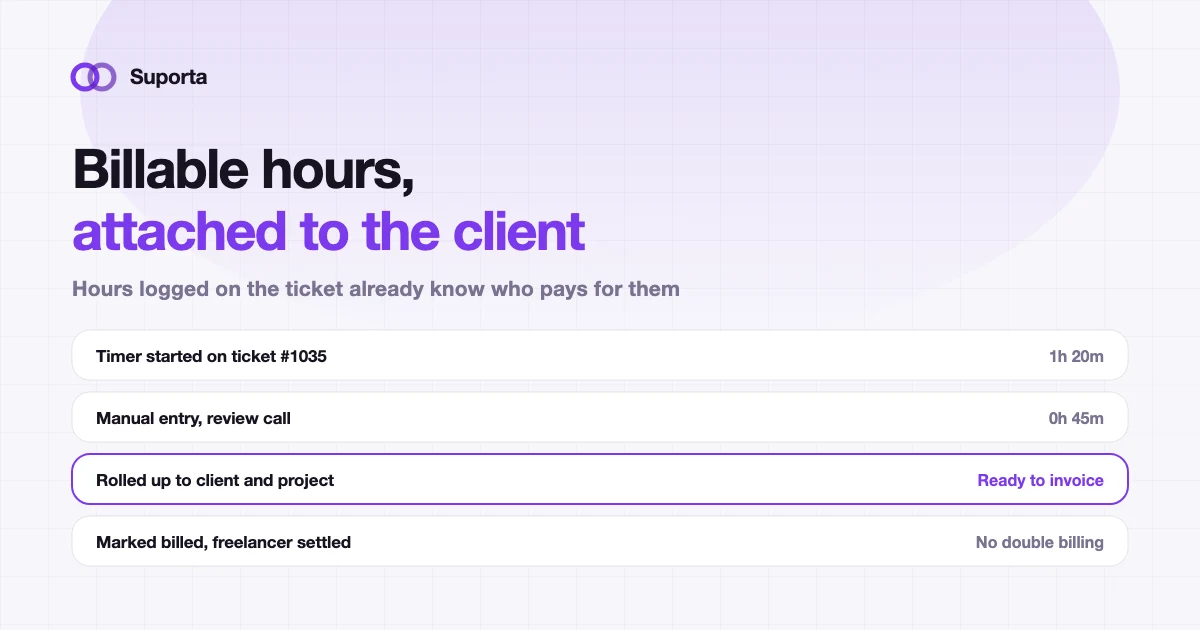
How to Track Billable Hours per Client in a Software Agency
Time tracking fails for a boring reason: it happens somewhere other than the work. Fix the distance between the two and the accuracy problem mostly solves itself.
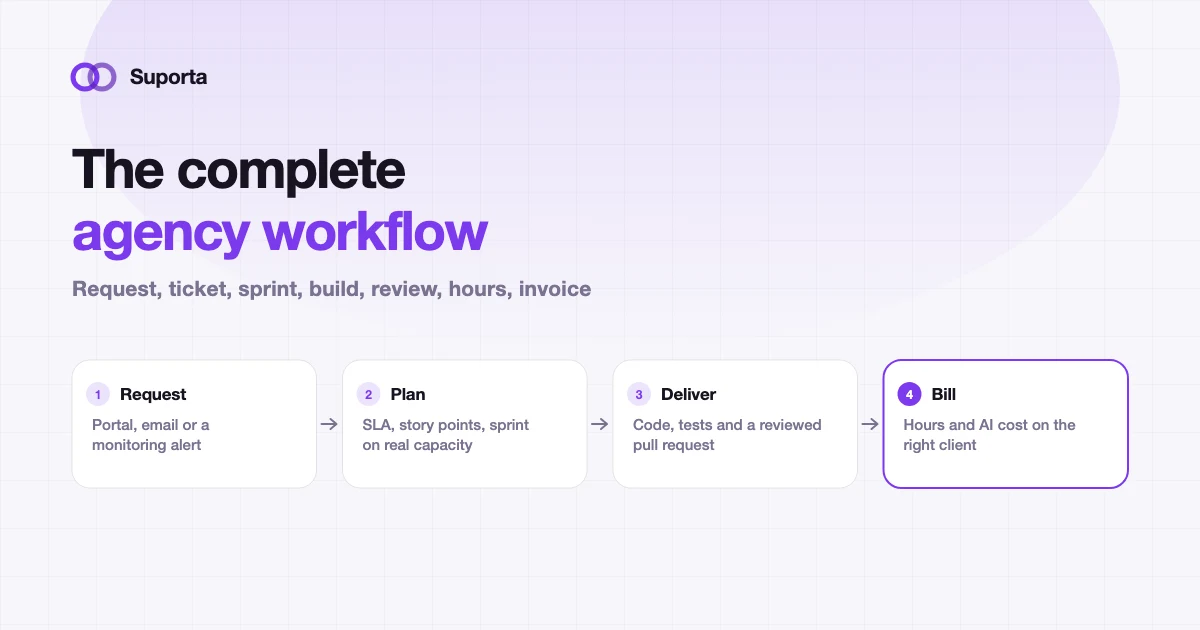
The Complete Software Agency Workflow: Ticket, Sprint, Development, Testing and Billing
Ten stages, and the value is in the joins rather than the stages. This is the reference we use ourselves, including what goes wrong at each handover and how to tell.