
How to Track Billable Hours per Client in a Software Agency
Every agency has the same conversation once a month: the hours in the timesheet do not match the work everyone remembers doing. The usual conclusion is that developers need to be more disciplined. That conclusion is wrong, and acting on it produces worse data. Time tracking fails structurally, and it can be fixed structurally.
Why time tracking fails in development teams
Three causes account for almost all of it, and none of them is laziness.
The timer lives away from the work
If logging an hour means opening a different application, finding the client, finding the project, and typing a description of something you finished twenty minutes ago, it will be done at the end of the day from memory, or on Friday from a calendar. Memory rounds down, and it rounds down consistently.
The unit of work does not match the unit of billing
Developers work in tickets. Invoices are written in projects and contracts. If nothing joins the two, someone has to translate at month end, and that translation is where the arguments start.
Small work is invisible
The twelve-minute fix, the call about a deployment, the "quick look" at a staging issue. Individually beneath notice, collectively the difference between a profitable retainer and a break-even one.
Rule one: log where the work happens
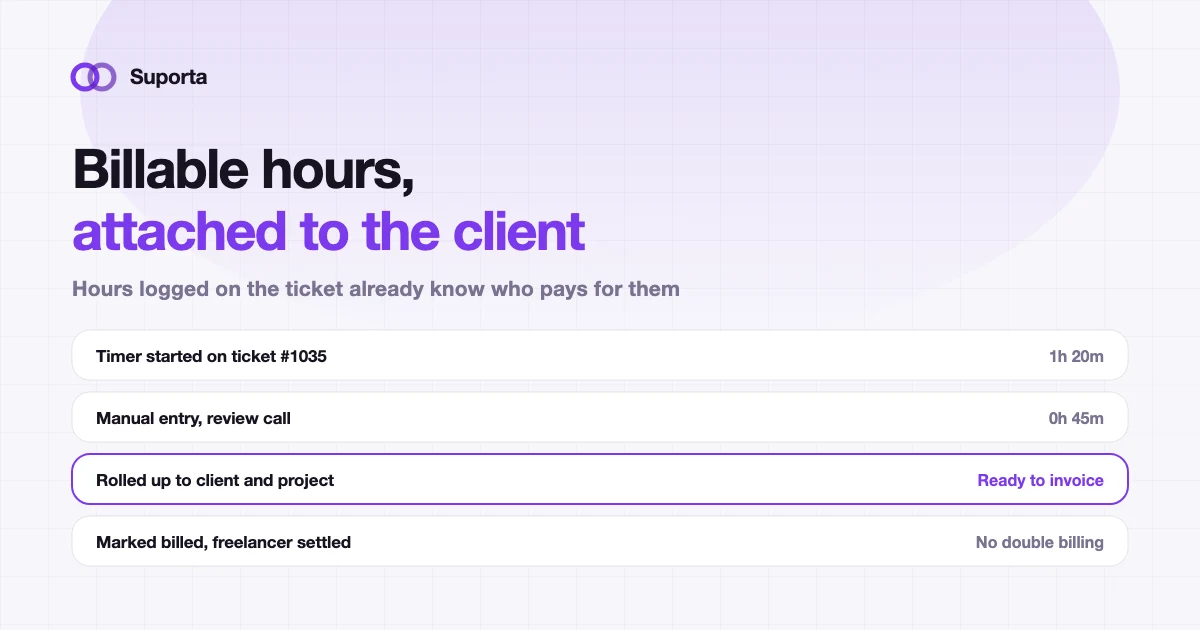
The single highest-leverage change is putting the timer on the ticket. Not in a separate tool that syncs nightly, on the record the developer already has open. A live timer they start when they pick the ticket up, and a manual entry with a note for the things a timer cannot catch.
This is also what makes attribution automatic: an entry on ticket #1035 already knows the project and the client, because the ticket does. Nobody chooses a client from a dropdown, so nobody chooses the wrong one. Suporta's timelogs work this way, including from the Outlook add-in so a support call logged from the inbox lands on the same ticket.
Rule two: one line of context per entry
A time entry that says "development, 3h" is unbillable in any conversation with a client who queries it. A time entry that says "reproduced the 500 on invalid email input, added regression test, 1h 20m" survives scrutiny and takes nine seconds to write while the work is fresh.
This matters most on fixed-price work, where the client is not paying by the hour but you still need to know internally whether the fixed price was right.
Rule three: track non-billable time too
Agencies often instruct people to log only billable hours. That protects the invoice and destroys the management information, because you lose any measure of how much unbillable work each client generates. A retainer with 30 hours billed and 15 hours of unbilled coordination is not the same business as one with 30 billed and 2 unbilled, and a report that only counts billable hours cannot tell them apart.
| Category | Billable | Why track it |
|---|---|---|
| Feature work on a ticket | Usually yes | The core of the invoice |
| Bug in your own recent delivery | Usually no | Measures rework, and rework is a quality signal |
| Support call or triage | Depends on contract | Often the largest hidden cost on a retainer |
| Deployment and release work | Often yes | Forgotten more than any other category |
| Internal meetings about the client | No | Shows which clients are expensive to serve |
Rule four: separate "we owe" from "they owe"
Agencies with freelancers or subcontractors have two settlement cycles running over the same hours: what you invoice the client, and what the freelancer invoices you. When both are tracked with a single flag, one of two things happens. Either an hour is settled with the freelancer and never billed to the client, or it is billed twice because a second export caught it again.
Two independent states on each entry — a client invoice state and a freelancer invoice state — removes the whole class of error. It sounds like a small data-modelling detail. It is the difference between trusting your export and re-checking it by hand.
What month end should look like
A five-step close
- Review, do not reconstructOpen the hours per client for the period. Everything is already attributed, so this is a review, not an investigation.
- Check the outliersEntries with no note, suspiciously round numbers, and any ticket that consumed far more than its estimate.
- Decide the goodwillDeliberately write off what you want to write off, and record that you did. Silent write-offs teach you nothing.
- Export and invoiceProduce the invoice lines per client and project, with your markup where it applies, then mark those entries as billed.
- Look at the ratioBillable against total, per client. This is the number that tells you which retainer to renegotiate.
An Excel export still matters here, because finance departments run on spreadsheets and always will. The difference is that the spreadsheet is an output of the system rather than the place the truth lives.
Where AI spend fits in
If you use AI agents for development work, they introduce a second cost per ticket alongside human hours. Treat it the same way: booked against the ticket, rolled up to the client and project, and visible next to the hours when you invoice. A ticket that took two developer hours and a small amount of model spend should tell you both numbers. See controlling AI development costs per client.
Getting a team to actually do it
What works, in order of impact
- check_circleMake logging possible without leaving the ticket. Everything else is secondary to this.
- check_circleAsk for a note, not a paragraph. One sentence, written while the work is fresh.
- check_circleNever use time data to compare developers publicly. Do that once and the data quality is gone permanently.
- check_circleShow the team the client profitability numbers their logging produces, so the exercise has a visible point.
- check_circleMake the daily review a two-minute habit at a fixed time rather than a Friday reconstruction.
- check_circleTrack non-billable time as a first-class category, so nobody has to lie about where the day went.
The goal is not perfect timesheets. It is timesheets accurate enough to invoice from without a reconstruction, and complete enough to tell you which clients are worth keeping. Both are achievable within a month of moving the timer next to the work.
Related articles
All articles arrow_forward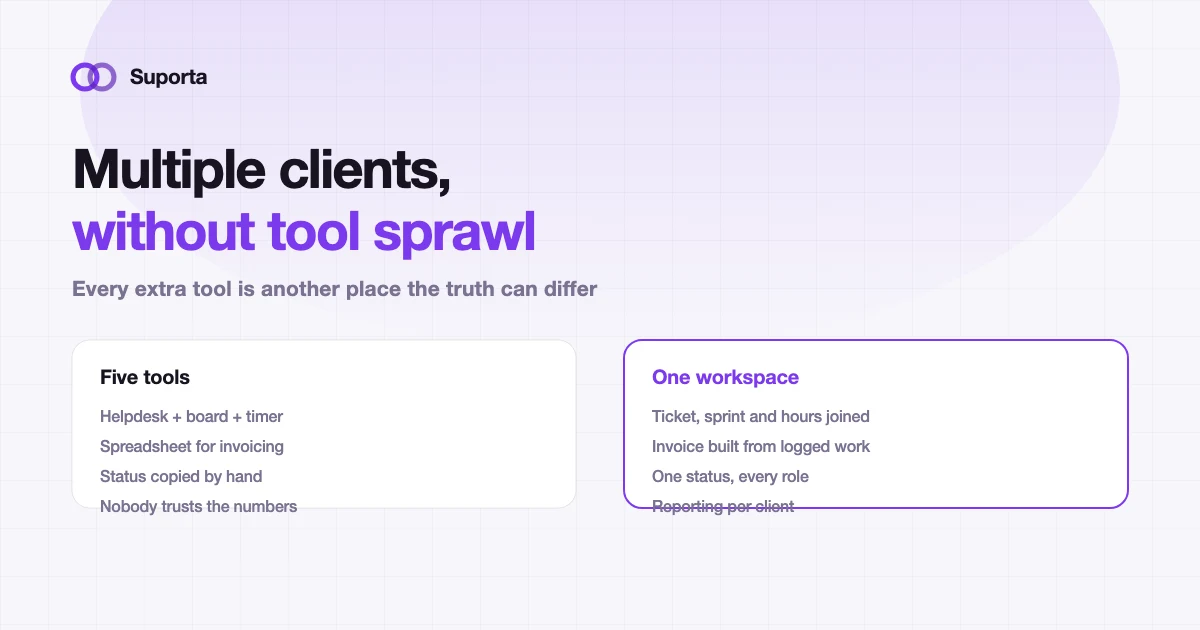
How Software Agencies Can Manage Multiple Clients Without Tool Sprawl
The problem is rarely the number of tools. It is that each one holds a different version of the same client, and keeping them agreeing is a full-time job nobody was hired for.
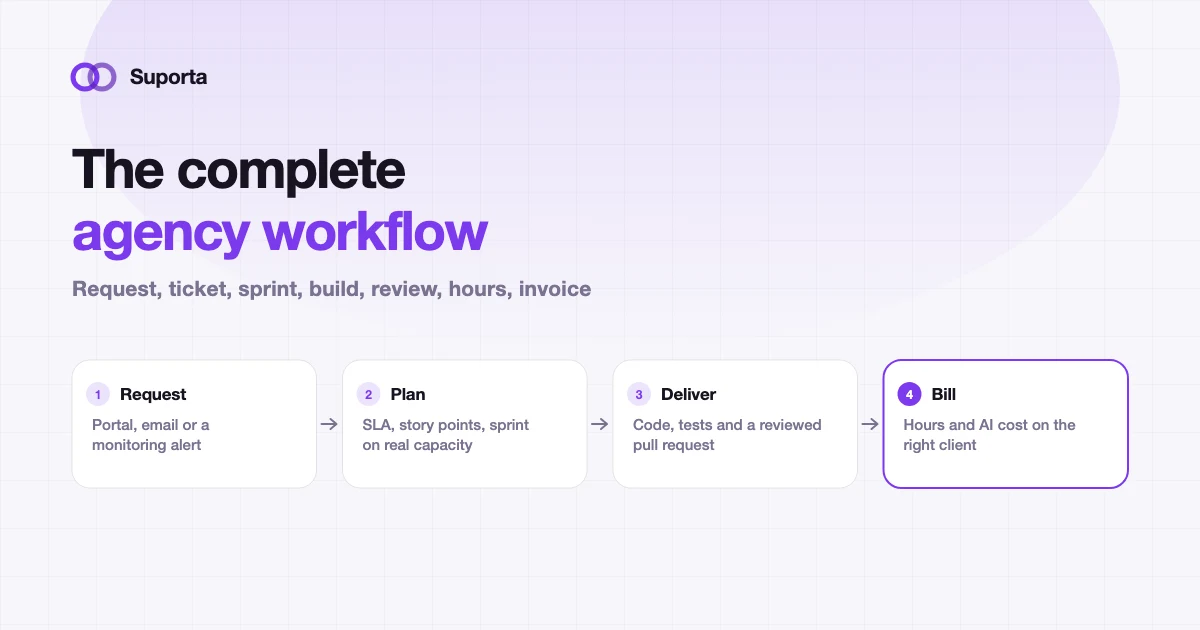
The Complete Software Agency Workflow: Ticket, Sprint, Development, Testing and Billing
Ten stages, and the value is in the joins rather than the stages. This is the reference we use ourselves, including what goes wrong at each handover and how to tell.
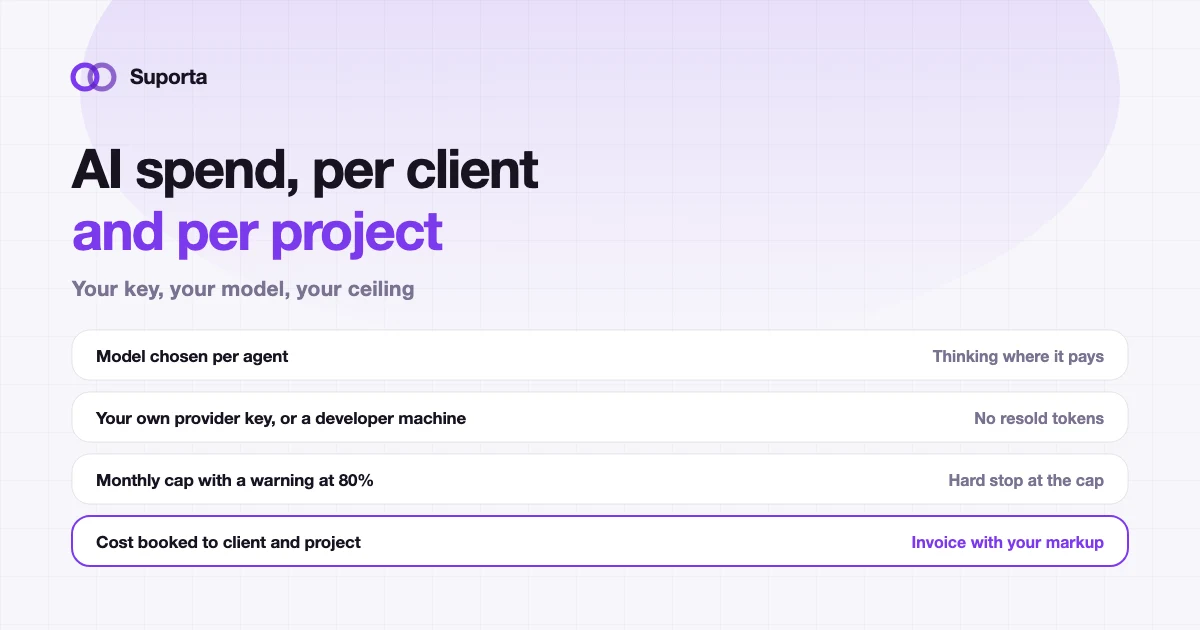
How to Control AI Development Costs per Client
AI spend is not expensive because of the rates. It is expensive because it is usually invisible until the monthly invoice, and by then it belongs to nobody in particular.