
How to Turn Client Emails Into Developer-Ready Tickets
"Hi, the order page is doing that thing again, can you look at it today?" That email is the start of a ticket that will cost twice what it should, because somebody has to spend forty minutes finding out what "that thing" is. Intake is the cheapest stage in the whole pipeline to fix, and the one most agencies leave to whoever happens to read the email first.
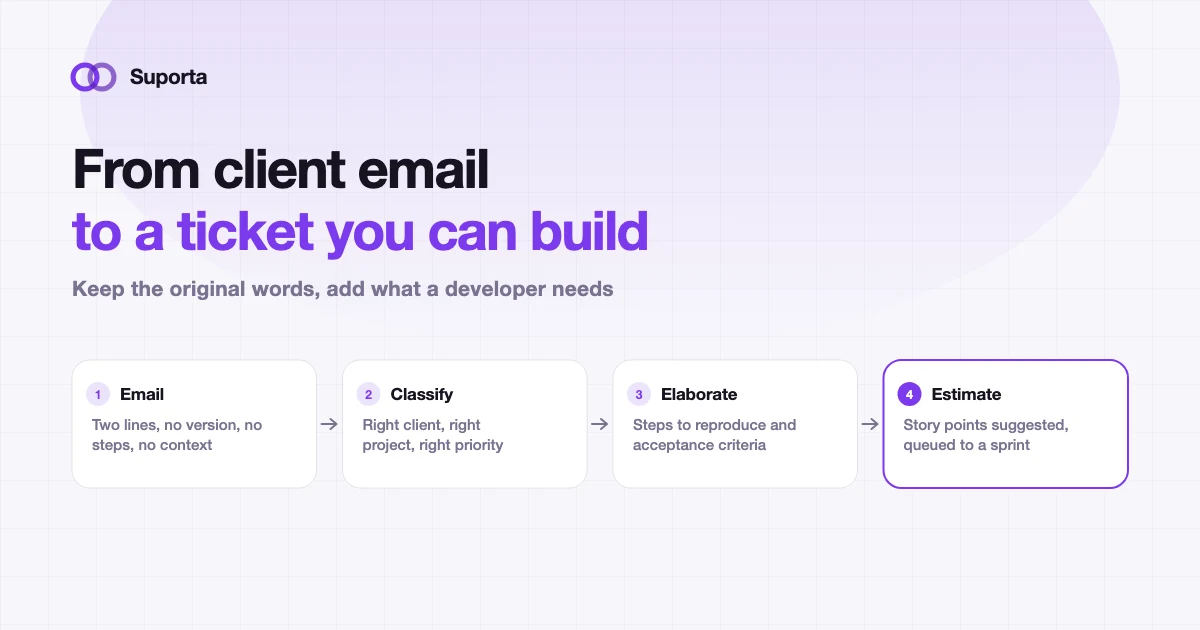
What makes a ticket expensive before anyone writes code
The cost of a poorly specified ticket is not one long conversation. It is a series of small delays, each of which looks reasonable on its own.
- A developer picks it up, cannot reproduce it, and puts it back down.
- Someone emails the client a clarifying question. That costs a day, minimum, sometimes three.
- The work is done against an assumption. The assumption is wrong. It is done again.
- It is estimated at three points because nobody knew it touched the invoicing module.
- It sits at the bottom of the backlog because nobody can tell how big it is, which is the mechanism described in preventing stale tickets.
What a developer-ready ticket actually contains
Not a template with fifteen mandatory fields — those get filled with "n/a" within two weeks. Six things, and three of them are usually already in the email.
| Element | Why it matters | Where it comes from |
|---|---|---|
| Client, project, environment | Determines the repository, the contract and the urgency | The sender and the system, automatically |
| What happened, in the client's words | The primary evidence, quoted verbatim | The email itself |
| Steps to reproduce, or a URL and a time | The difference between a ten-minute fix and an afternoon | Asked for once, at intake |
| Expected versus actual behaviour | Reveals whether this is a defect or a change request, which changes who pays | Inferred and confirmed |
| Acceptance criteria | Defines "done" before work starts, and closes the argument after | Written at intake, not at review |
| Priority against the SLA | Tells the team whether this interrupts the sprint | The contract, plus judgement |
The defect-versus-change distinction deserves particular attention. "The export is missing VAT" is a bug if the specification says it should include VAT, and a paid change request if it does not. Deciding that at intake is a two-minute conversation. Deciding it after delivery is a negotiation.
Do the work where the email arrives
The structural problem with intake is that it happens in one application and the ticket lives in another. Whoever reads the email has to switch context, find the right client and project, paste, rewrite and attach. So it gets postponed, and a postponed intake is a ticket that starts its life a day late.
Creating the ticket from inside the mail client removes that friction entirely. Suporta's Outlook add-in reads the message in the reading pane, proposes the client, project and priority, creates the ticket, and lets you log the time you just spent on the call, without leaving the inbox.
Where AI genuinely helps at intake
This is one of the clearest wins for AI in an agency workflow, because the task is bounded, the input is text, and a human reviews the output immediately. Three specific jobs:
- Classification. Which client, which project, which priority. The system already knows your companies and projects, so this is a matching problem with a small answer space.
- Elaboration. Turning a two-line complaint into a structured ticket with likely reproduction steps and draft acceptance criteria, in the language the ticket was written in.
- Estimation. A story point suggestion, which is most useful as something to disagree with. An anchor beats an empty field.
The boundaries matter as much as the capability. Elaboration proposes, it does not decide: a person confirms the client and the priority, because filing a P1 against the wrong contract is worse than filing nothing. And the original email stays attached, so the elaboration can always be checked against the source.
Email is not the only door
The same intake standard should apply regardless of where the request comes from, and some sources arrive better structured than a human ever would.
- Client portal. The form can ask for the environment and steps up front, which is the cheapest place to get them.
- Monitoring. A Sentry issue becoming a ticket automatically carries a stack trace and a frequency, which is more than most human reports contain.
- Chat. The worst source, because it feels like a conversation and leaves no record. If a request arrives in Slack, the answer is "I will make a ticket for that", every time.
- Phone calls. Fine, provided the ticket is written during the call rather than remembered afterwards.
Making it stick without becoming the ticket police
A workable intake standard
- check_circleOne person owns intake triage each day, at a fixed time, by name
- check_circleEvery ticket has a client, a project and a priority before it is queued, no exceptions
- check_circleThe client's original text is attached, always, and never edited
- check_circleAcceptance criteria are written at intake, not negotiated at delivery
- check_circleDefect or change request is decided at intake and recorded
- check_circleRequests arriving by chat or phone get a ticket in the moment, not later
- check_circleAnything unclear gets one specific question to the client, not three vague ones
The realistic target is not perfect tickets. It is that a developer can start work without asking a question, on most tickets, most of the time. Getting from "sometimes" to "usually" is typically worth more delivery capacity than any tooling change in this list.
Related articles
All articles arrow_forward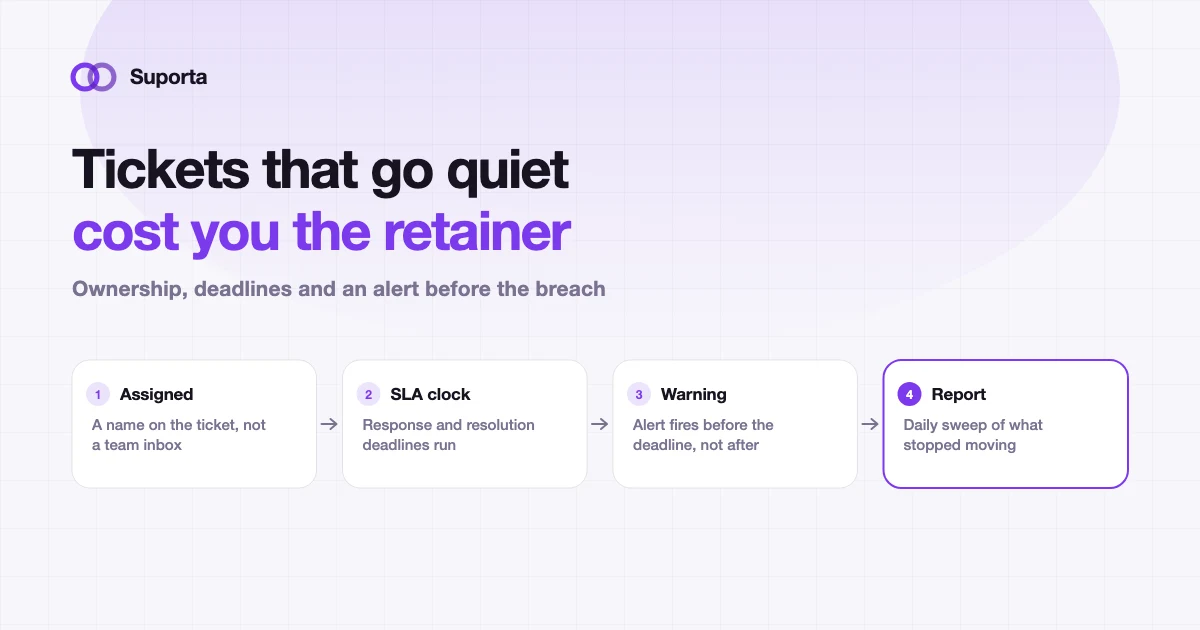
How to Prevent Client Support Tickets From Going Stale
Nobody decides to ignore a ticket. It gets assigned on Tuesday, is genuinely lower priority than the thing on fire, and by the following Monday the client has escalated.
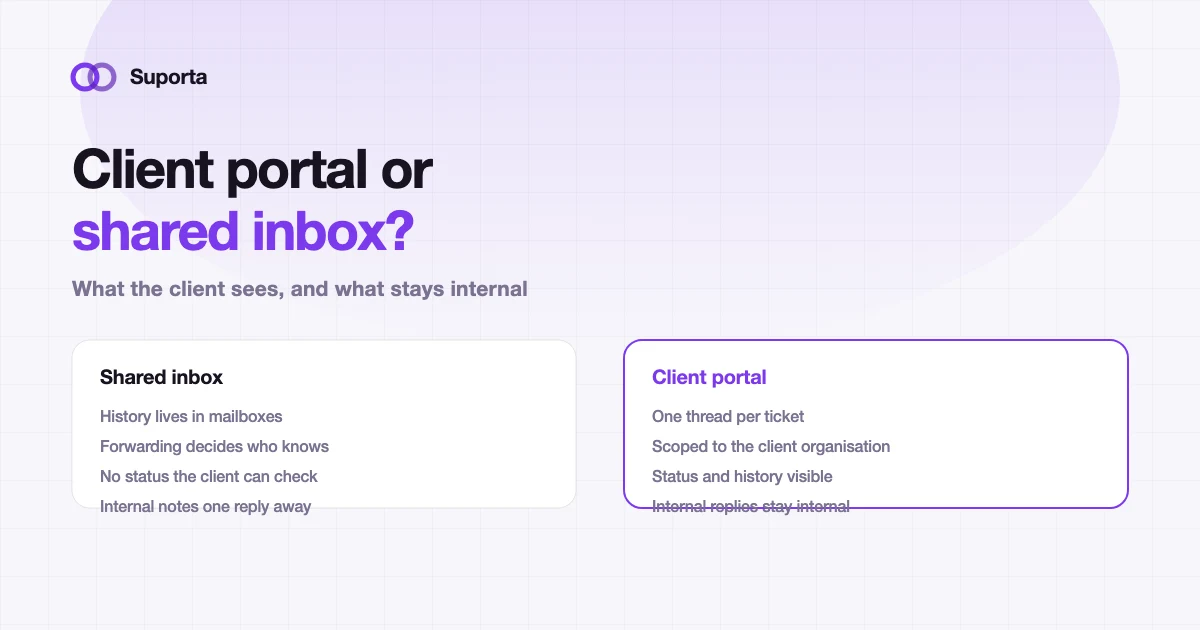
Client Portal vs Traditional Helpdesk for Software Agencies
The question is not which is more modern. It is who can see what, where the history lives, and whether a client can answer "what is happening with my request" without emailing you.
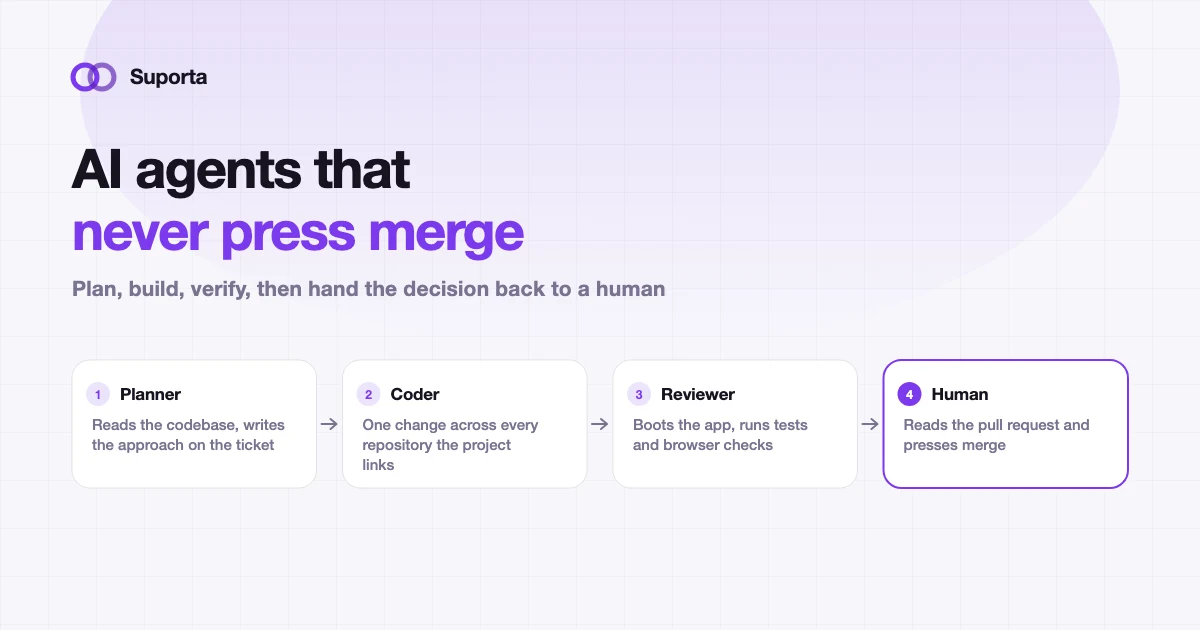
AI Coding Agents for Software Teams: Where Humans Still Matter
The useful question is not whether an agent can write the change. It is who is accountable when it is wrong, and what the workflow does about that.