
Client Portal vs Traditional Helpdesk for Software Agencies
Most agencies support clients over email, because that is what clients do. At some point the volume makes email untenable and the choice becomes explicit: a ticketing layer on top of the inbox, or a portal clients log into. They are not the same trade-off, and the wrong choice produces either chaos or resentment. Here is how the three options actually differ in practice.
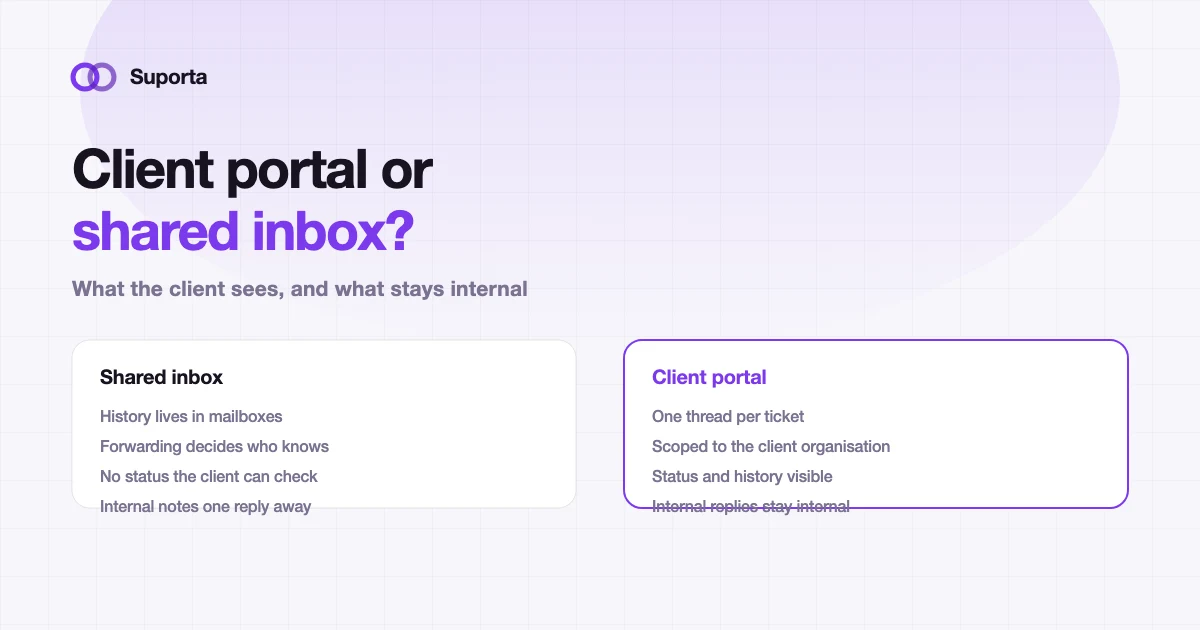
The three models, honestly compared
| Shared inbox | Email-based helpdesk | Client portal | |
|---|---|---|---|
| Client effort | None, they already use email | None | Low, but non-zero: they must log in |
| Where history lives | In mailboxes, fragmented | On the ticket, mostly | On the ticket, completely |
| Client can check status | No, they have to ask | Sometimes, via emailed updates | Yes, whenever they like |
| Risk of leaking internal notes | High, one Reply All away | Medium, depends on discipline | Low, if internal replies are a different object |
| Separation between clients | Whatever the mail client does | Usually a tag | Structural, enforced server-side |
| Attributable to a project | By hand | Partially | By default |
The honest summary: email is best for the client and worst for you, a portal is best for you and asks slightly more of the client, and an email-based helpdesk is a compromise that works well until you need reliable attribution.
What a portal actually buys you
Not "professionalism". Four concrete things.
One thread per piece of work
Email threads fork. Someone replies to an older message, a second person is added halfway through, and the conversation splits into two versions of reality. A ticket has one thread, which means the history of a decision is in one place a year later when someone asks why the system behaves that way.
Internal and external are different objects
In email, the difference between an internal note and a client-visible reply is which addresses are in the To field. That is one mistake away from a client reading an engineer's honest opinion of their legacy system. On a ticket, an internal reply is a different kind of record and cannot accidentally be sent.
Clients can answer their own status question
A significant share of support email is not new information, it is "any update?". A portal where the client can see the status, and a weekly summary they receive without asking, removes most of that traffic. It also stops the answer depending on which of your people they happened to email.
Separation is structural
With multiple clients in one system, isolation cannot be a filter someone remembered to apply. In Suporta each organisation has its own database and subdomain, users are allocated to companies, and client users only see their own company's tickets, enforced on the server rather than in the interface.
The two objections you will actually hear
"Our clients will never log in." Some will not, and that is fine: keep email as an entry point and let it create tickets, so the portal becomes where the work is tracked rather than the only door. The people who do log in are usually the ones who care most about status — the client-side project manager reporting upwards.
"It feels bureaucratic for a small client." It does if the portal is heavy. Keep the client-facing surface to what they need: submit, see status, reply, and a list of what is open. Everything else is your side of the product, not theirs.
Decide what clients should and should not see
A portal is a visibility decision before it is a software decision. Get this wrong in either direction and you create work: too little and they keep emailing, too much and they start managing your sprint.
| Element | Show the client? | Reasoning |
|---|---|---|
| Ticket status and last update | Yes | This is the question they would otherwise email about |
| Priority and SLA deadline | Yes | It is in their contract, and it sets expectations for you |
| Which sprint it is planned into | Usually | Turns "when?" into a date without a meeting |
| Internal technical discussion | No | Half-formed hypotheses read as commitments |
| Estimates in story points | Rarely | Points are an internal unit; a date or a range is more useful to them |
| Hours logged so far | Depends | Yes on time-and-materials, usually no on fixed price |
| Other clients, anything at all | Never | This is the one that must be structurally impossible |
Moving clients onto a portal without irritating them
- Start with the client who chases most. They get the most value from self-service status, so they adopt fastest and complain least.
- Do not switch email off. Route it into the same system instead. A door you close is a client who phones your account manager.
- Seed it with real open tickets before you invite anyone. An empty portal on day one looks like extra work for nothing.
- Send the weekly summary from week one. It demonstrates the value before they have logged in even once.
- Give exactly one person on the client side a ten-minute walkthrough. They will teach their colleagues, and you will learn which part of your interface is confusing.
The measure of success is not portal logins. It is fewer "any update?" emails and fewer meetings that exist only to relay status. If both go down, the portal is working, whether or not the client visits it every day.
Related articles
All articles arrow_forward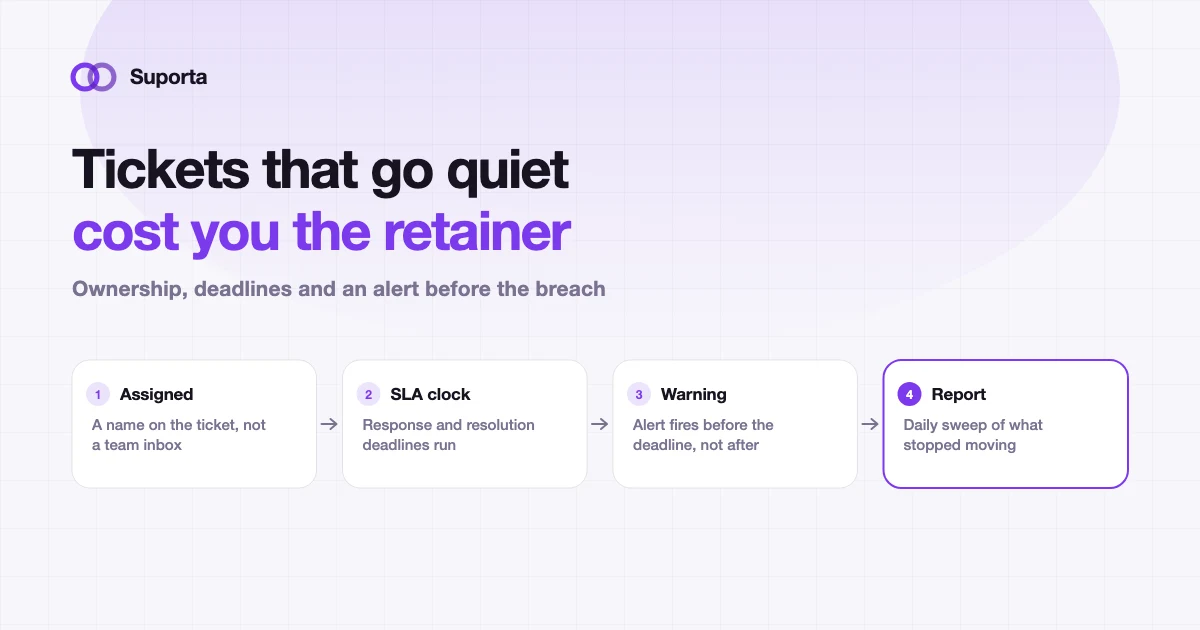
How to Prevent Client Support Tickets From Going Stale
Nobody decides to ignore a ticket. It gets assigned on Tuesday, is genuinely lower priority than the thing on fire, and by the following Monday the client has escalated.
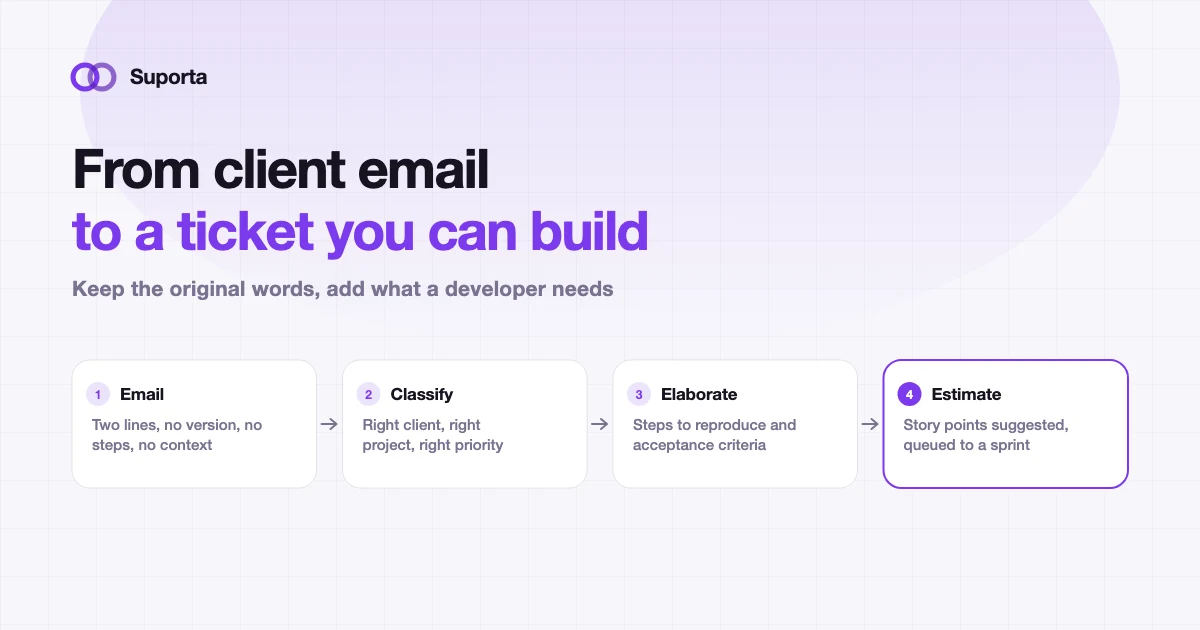
How to Turn Client Emails Into Developer-Ready Tickets
Every hour spent deciphering a vague request is an hour nobody bills. Intake is not admin, it is the cheapest place in the pipeline to prevent expensive confusion.
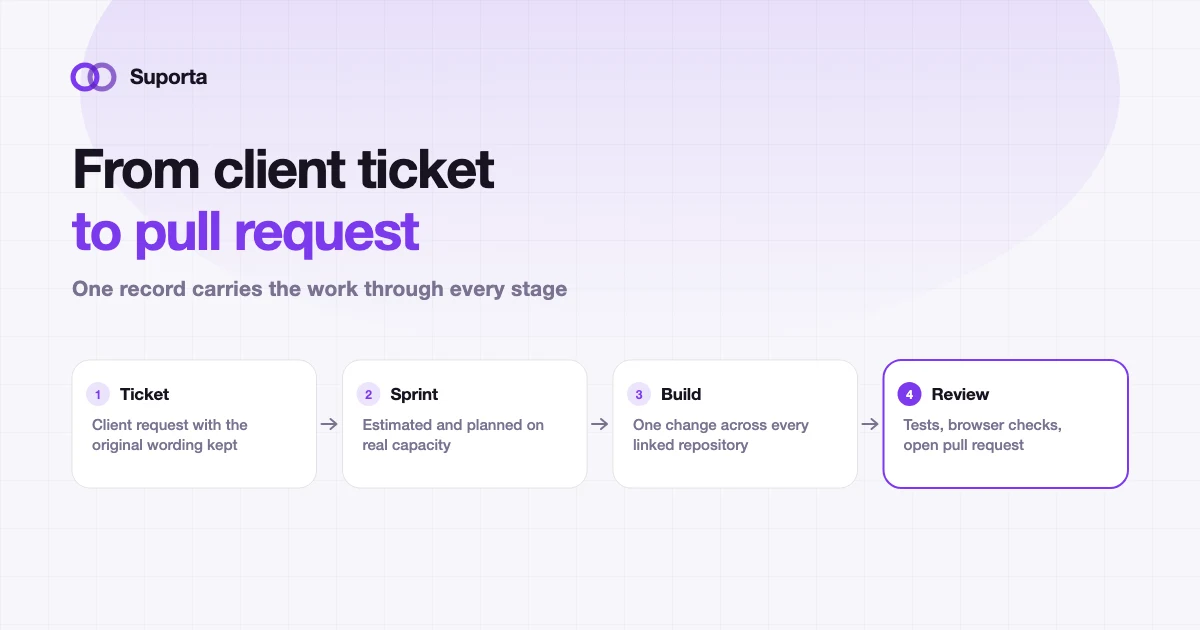
Helpdesk for Software Agencies: From Client Ticket to Pull Request
A generic helpdesk closes when someone replies. An agency ticket closes when code is merged, tested and billed. That gap is where most agency admin time disappears.