
How Software Agencies Can Manage Multiple Clients Without Tool Sprawl
Most agencies do not choose tool sprawl. They accumulate it: a helpdesk because clients started emailing, a board because the helpdesk could not plan, a timer because the board could not bill, a spreadsheet because the timer could not invoice. Each tool was the right call in isolation. Together they create a second job: keeping five systems telling the same story about the same client.
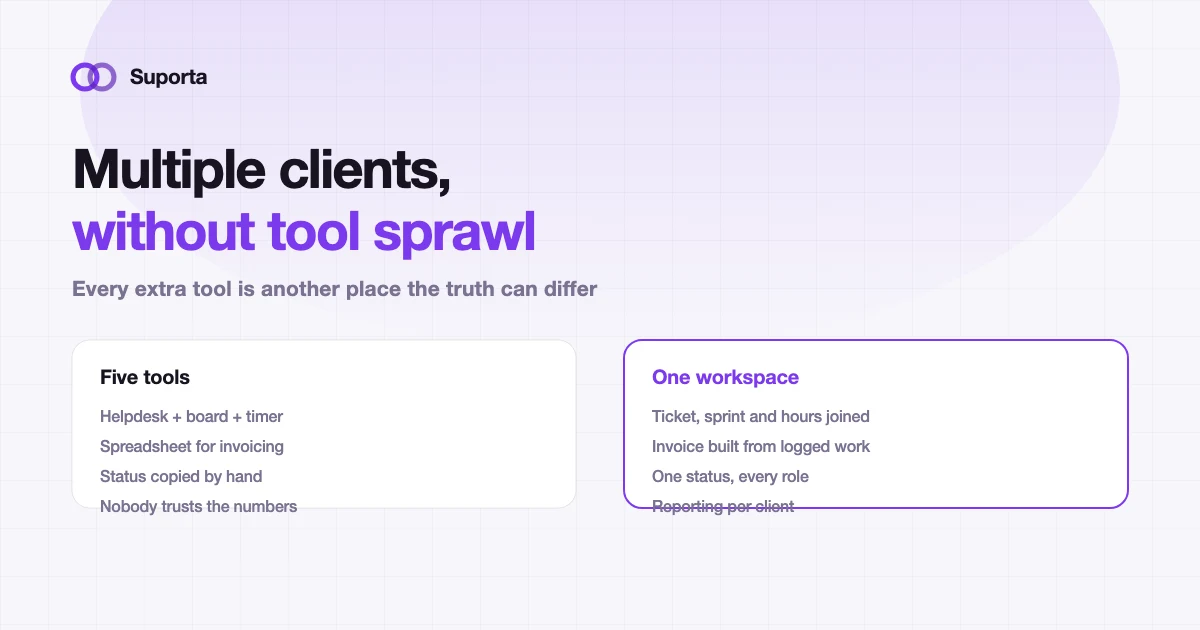
The real cost is reconciliation, not licences
When agencies audit their tooling they usually count subscriptions. That is the smallest number on the page. The expensive number is the time spent making the tools agree, and the money lost when they quietly do not.
- Duplicate entry. The same request is typed into the helpdesk, then the board, then the timer, sometimes by three different people.
- Disagreement. The board says "in review", the helpdesk says "assigned", and the client was told "next week" in an email nobody else has seen.
- Invisible leakage. Twenty minutes of debugging that never made it into the timer is not a rounding error when it happens daily across a team.
- Month-end archaeology. Someone spends two days reconstructing what happened before an invoice can go out.
- No answer to the important question. "Is this client profitable?" requires a join across four exports.
Why adding another tool always feels like the fix
Each new tool solves a real problem, and it solves it visibly on day one. What it does not show is the marginal cost it adds to every other workflow. A team with two systems has one seam to maintain. A team with five has ten possible pairings, and in practice maintains the three or four that hurt most and lets the rest drift.
The useful mental model is not "how many tools do we have" but "how many places can the truth about one piece of work differ". That number should be one.
Four joins worth consolidating for
You do not need a single vendor for everything. You need these four relationships to be facts in a database rather than conventions in someone's head.
| Join | What it buys you | What it costs when missing |
|---|---|---|
| Ticket → project → client | Every request is attributable the moment it arrives | Work done for the wrong contract, or for free |
| Ticket → sprint capacity | Commitments that match the people you actually have | Sprints that were never possible, missed deadlines |
| Work → hours | Time logged where the work happened, by the person who did it | Reconstructed timesheets and systematic under-billing |
| Hours → invoice | An invoice built from records rather than recollection | Double billing, missed billing, disputes you lose |
Multi-client is a data problem before it is a UI problem
Running a dozen clients in one system raises an obvious question: what stops client A from seeing client B? A dropdown filter is not an answer. The separation has to be structural, enforced on the server, so that a mistake in the interface cannot leak a ticket.
In Suporta each organisation gets its own database and its own subdomain, and inside it users are allocated to companies so client users only ever see their own company's tickets. That is worth checking in any tool you evaluate, because it is very hard to retrofit. The practical differences between a portal and a shared inbox are covered in client portal vs traditional helpdesk.
What to keep separate on purpose
Consolidation is not a virtue in itself. Some tools should stay where they are, and pretending otherwise is how agencies end up with a worse version of a good tool.
- Your Git host. Bitbucket, GitHub or GitLab is where code belongs. What you want is a link between the ticket and the pull request, not a replacement for the repository.
- Your monitoring. Sentry should keep catching errors. What helps is an error becoming a ticket automatically instead of being screenshotted into a chat.
- Your accounting package. The ledger is not an agency-workflow problem. Getting clean, attributed hours out the other end is.
- Your chat. Slack or Teams is where conversation happens. It is a terrible place for state, which is why notifications should point at a ticket rather than replace it.
The test is simple: does this tool own a piece of state, or does it merely display someone else's? Tools that own state should be few. Tools that display it can be many. Suporta's integrations are built on that split.
A migration plan that does not stop delivery
The failure mode of consolidation projects is the big bang: everything moves in one weekend, nothing is quite finished, and by Wednesday half the team is back in the old tool "just for this one client". Sequence it instead.
- Week 1, intake only. Point one client's requests at the new system. Leave planning and billing exactly where they are. You are testing whether tickets arrive with enough context, nothing more.
- Week 2, time logging. Have the same team log hours against those tickets. Compare the total with what the old timer says. The gap is the leakage you have been absorbing.
- Week 3, planning. Move that client's sprint into the new system, with capacity based on real working days minus approved leave.
- Week 4, invoicing. Produce one real invoice from the logged work. This is the step that convinces finance, so do not skip it or fake it.
- Then widen. Add clients in order of ticket volume, busiest first, because the busiest client surfaces problems fastest.
Before you migrate a client
- check_circleAgree where the client sends requests, and turn off the other doors
- check_circleDecide who owns intake triage each day, by name
- check_circleImport or archive open tickets, never both halfway
- check_circleSet SLA levels per client that match the contract you actually signed
- check_circleTell the client what changes for them, ideally that nothing does except a better status page
What it looks like when it works
A month after consolidation the visible change is small and the operational change is large. Nobody is copying anything. The client portal shows the same status as the sprint board because it is the same record. At month end the invoice is reviewed rather than reconstructed. And the question that used to take two days of exports — which retainers are actually profitable — is a dashboard.
If you also use AI agents, the same logic applies to their cost: it should land on the client and project that caused it, not in a single line on a company credit card. That is the subject of controlling AI development costs per client.
One workspace for every client you run
Tickets, sprints, timelogs, invoicing data and client reporting on the same records, with each client organisation properly separated.
See the platform arrow_forwardRelated articles
All articles arrow_forward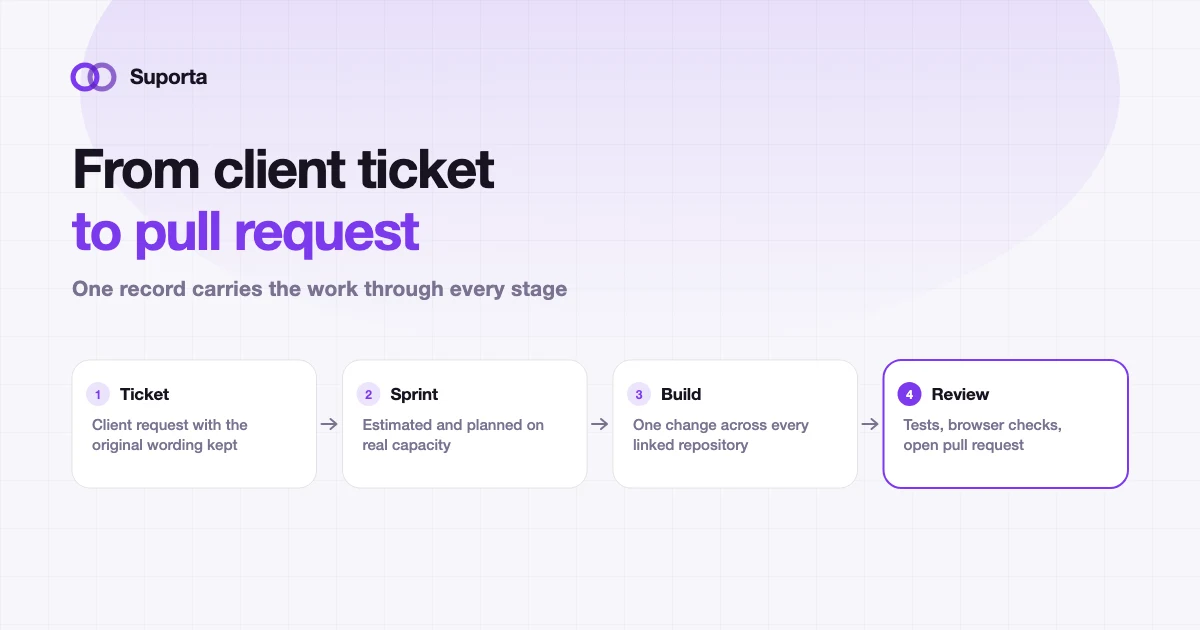
Helpdesk for Software Agencies: From Client Ticket to Pull Request
A generic helpdesk closes when someone replies. An agency ticket closes when code is merged, tested and billed. That gap is where most agency admin time disappears.
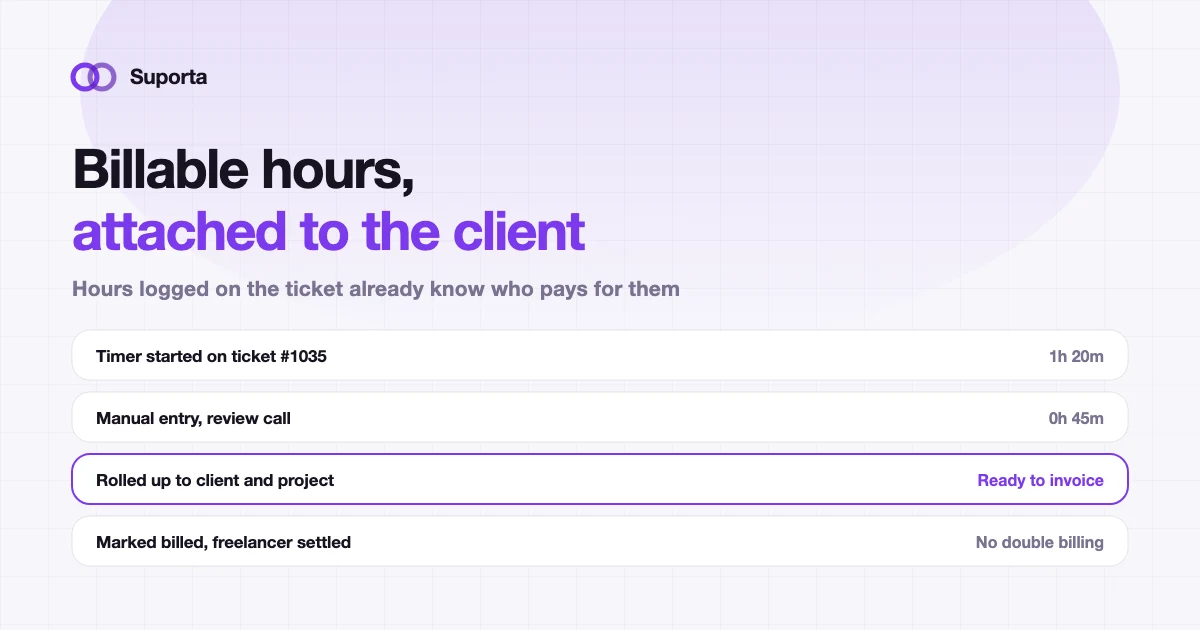
How to Track Billable Hours per Client in a Software Agency
Time tracking fails for a boring reason: it happens somewhere other than the work. Fix the distance between the two and the accuracy problem mostly solves itself.
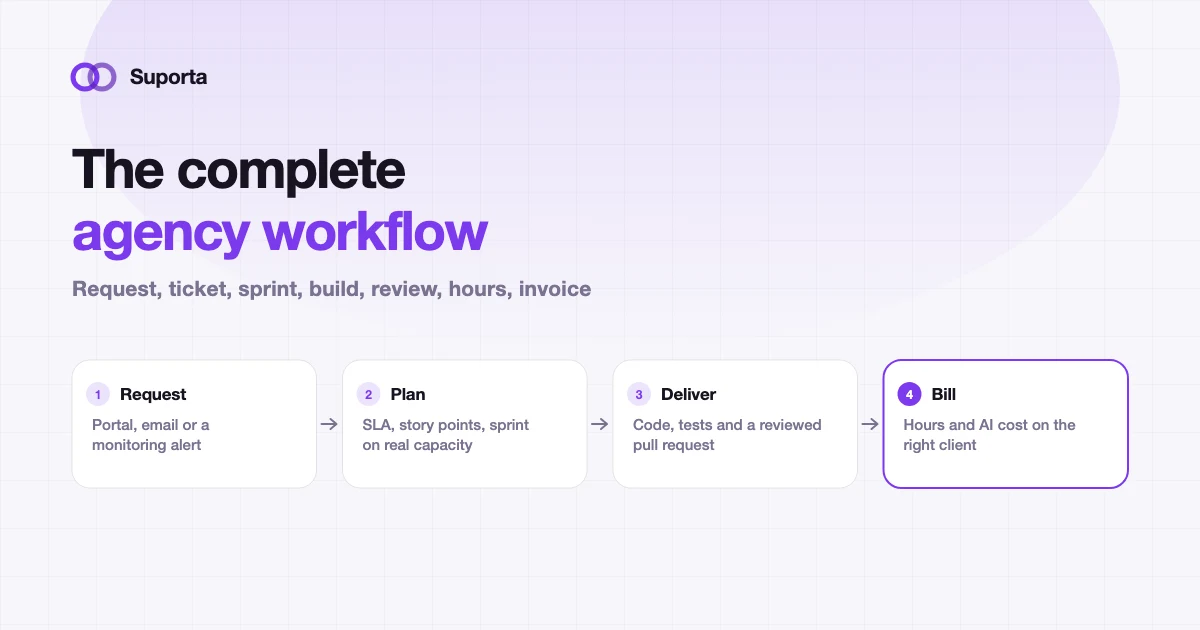
The Complete Software Agency Workflow: Ticket, Sprint, Development, Testing and Billing
Ten stages, and the value is in the joins rather than the stages. This is the reference we use ourselves, including what goes wrong at each handover and how to tell.